PayPal Nigeria: Complete Guide 2026
PayPal Nigeria: Complete Guide 2026 – App, Limitations, and How to Receive Money
PayPal has long been a global leader in digital payments, but Nigerian users have historically faced significant limitations when using the platform. In 2026, a groundbreaking partnership between PayPal and Paga, a leading Nigerian fintech company, has transformed the landscape for freelancers, online sellers, and businesses across Nigeria.
PayPal App in Nigeria: Features and Functionality
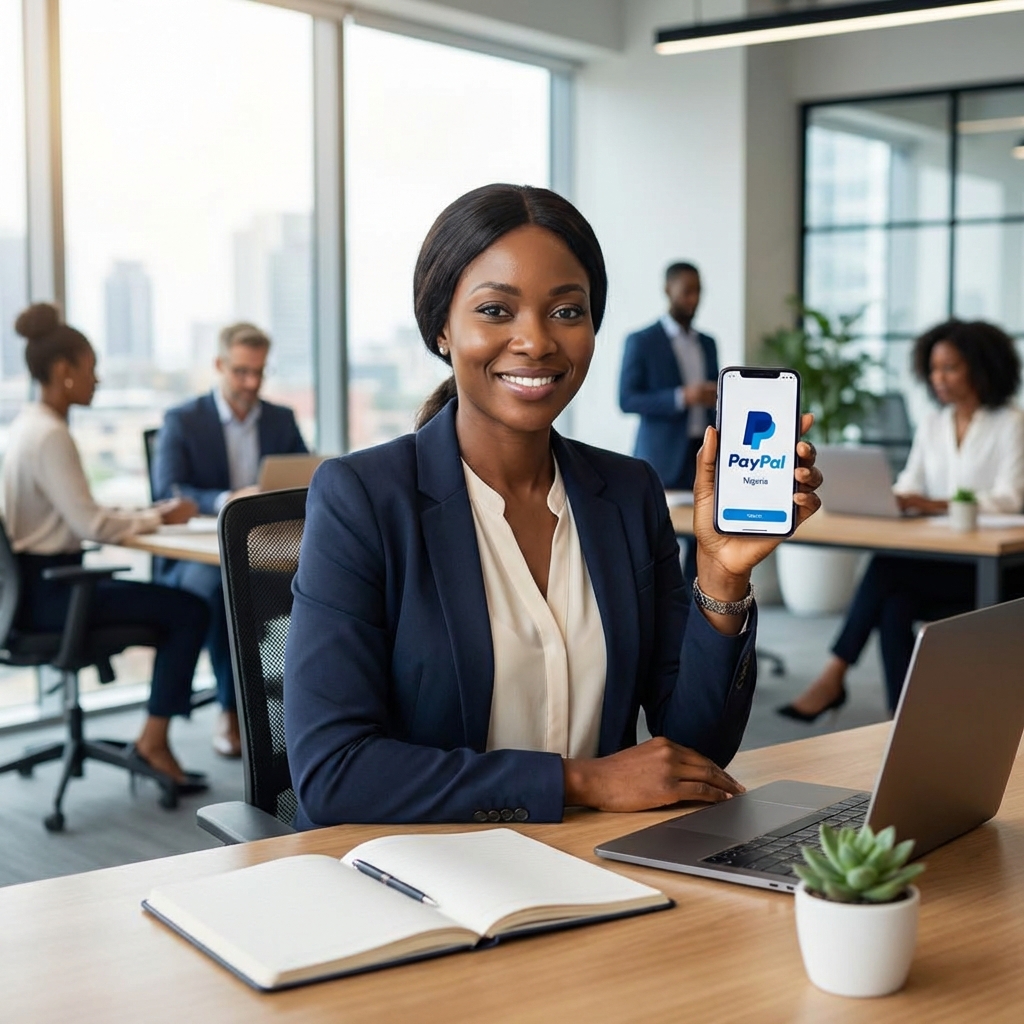
The PayPal mobile app is available for download on both iOS and Android devices in Nigeria. With the recent integration with Paga, the app has become significantly more useful for Nigerian users.
Key Features of the PayPal App
Receive International Payments: Through the Paga integration, you can now receive payments from clients and customers in over 200 countries directly into your linked account.
Instant Withdrawals in Naira: Once you receive funds, you can instantly withdraw them in Nigerian Naira through your Paga wallet, eliminating the long-standing barrier of not being able to access your money locally.
Local and Global Spending: Use your funds locally through Paga’s ecosystem for transfers, bill payments, and card transactions, or retain foreign currency balances to spend globally at merchants that accept PayPal.
Send Money: Transfer funds to friends, family, or business partners internationally, though you should always confirm the recipient’s country supports receiving PayPal payments.
Online Shopping: Shop at millions of websites worldwide that accept PayPal, including major platforms like eBay, with secure checkout and buyer protection.
How to Download and Set Up the App
- Visit the App Store (iOS) or Google Play Store (Android)
- Search for “PayPal” and download the official app
- Open the app and tap “Sign Up” to create a new account
- Provide a valid email address and create a secure password
- Link a Visa or Mastercard from a Nigerian bank for verification
- Verify your email address through the confirmation message PayPal sends
Limitations and Restrictions in 2026
While the PayPal-Paga partnership has resolved many historical issues, some limitations remain for Nigerian users.
Current Restrictions
Paga Integration Required: To receive money, you must link your PayPal account to a verified Paga wallet. Without this integration, you can only send money and make purchases, not receive payments.
No Direct Bank Withdrawals: PayPal does not support direct withdrawals to Nigerian bank accounts. All withdrawals must go through your linked Paga wallet first, after which you can transfer to your bank account.
Account Verification Limits: Unverified PayPal accounts have transaction limits, typically between $500 and $1,000. To remove these limits, you must verify your account by linking a card, confirming your email, and providing personal or business information.
Card Compatibility Issues: Many Nigerian debit and credit cards may not work for linking to PayPal. Virtual dollar cards are often recommended for smoother international transactions.
Currency Conversion Fees: PayPal’s exchange rates can result in conversion losses of up to 4%, and international transaction fees may reach 5%. Always factor these costs into your pricing.
VPN Usage Prohibited: Using a VPN to access PayPal services can trigger account limitations or permanent suspension. Always access your account from your actual location.
Name Matching Requirements: The name on your PayPal account must match the name on your Paga account and your legal identification documents to avoid verification issues and account limitations.
How to Receive Money in Nigeria: Step-by-Step Guide
The ability to receive international payments is the most significant benefit of the PayPal-Paga partnership. Here’s exactly how to set it up.
Step 1: Create Your PayPal Account
If you don’t already have a PayPal account:
- Visit paypal.com or download the mobile app
- Click “Sign Up” and select your account type (Personal or Business)
- Enter your email address, create a password, and provide your personal information
- Ensure all details are accurate and match your identification documents
Step 2: Create and Verify Your Paga Account
- Download the Paga app from the App Store or Google Play Store
- Register with your phone number and email address
- Complete the KYC (Know Your Customer) verification process
- Provide valid identification such as NIN, Voter’s Card, Driver’s License, or International Passport
- Wait for Paga to verify your account (usually takes 24-48 hours)
Step 3: Link PayPal to Paga
- Open the Paga app and log in
- Navigate to the PayPal integration section
- Follow the prompts to connect your PayPal account
- Authorize Paga to access your PayPal account
- Confirm the linkage is successful
Step 4: Receive Payments
Once linked, you can:
- Share your PayPal email address with clients and customers worldwide
- Receive payments from over 200 countries
- View incoming payments in your PayPal account
- Funds automatically sync with your Paga wallet
Step 5: Withdraw in Naira
- Open your Paga app to view your PayPal balance
- Select the withdrawal option
- Choose to transfer to your Nigerian bank account or use Paga’s other features
- Funds are typically available within minutes
Tips to Avoid Account Limitations
- Always use accurate, matching information across all platforms
- Never use a VPN when accessing PayPal
- Verify your account as soon as possible to remove transaction limits
- Respond promptly to any verification requests from PayPal
- Keep your contact information up to date
PayPal Business Account: Features and Requirements
For merchants, freelancers, and entrepreneurs, a PayPal Business account offers professional tools that go beyond personal account capabilities.
Business Account Features
Professional Invoicing: Create and send professional invoices with your business branding, itemized services, and payment terms.
Payment Links: Generate shareable payment links to post on social media, websites, or send directly to customers.
Accept Cards Without PayPal: Allow customers to pay with debit and credit cards even if they don’t have a PayPal account, expanding your customer base.
API Integration: Connect PayPal to your e-commerce platform, including Shopify, WooCommerce, Wix, Squarespace, and freelance platforms like Fiverr and Upwork.
QR Code Payments: Generate QR codes for in-person payments at physical locations or events.
Multi-Currency Support: Accept payments in up to 25 currencies and maintain foreign currency balances.
Access to 400+ Million Users: Tap into PayPal’s global network of users for international sales and business expansion.
Business Analytics: Track sales, monitor transactions, and generate reports to understand your business performance.
Requirements to Open a Business Account
Basic Requirements:
- Valid email address
- Phone number
- Internet-enabled device
- Nigerian bank account
- Valid identification (NIN, Voter’s Card, Driver’s License, or International Passport)
Business-Specific Documentation:
- Business registration certificate or certificate of activity
- Tax identification number or proof of self-employment
- Proof of address (utility bill or bank statement)
- Business name and physical address
Paga Integration:
- A verified Paga account is essential for receiving and withdrawing funds
Personal vs. Business Account
While personal accounts in Nigeria can send money and shop online, they cannot receive payments without the Paga integration. Business accounts are specifically designed for receiving payments and offer professional tools that personal accounts lack.
How to Login to PayPal: Security and Authentication
PayPal takes security seriously, offering multiple authentication methods to protect your account.
Login Process
- Open the PayPal app or visit paypal.com
- Enter your email address or mobile number
- Tap “Yes” when prompted to log in
- Choose your preferred authentication method
Authentication Methods
Two-Digit PIN: Set up a quick PIN for faster access on trusted devices.
Biometric Authentication: Use Face ID, Touch ID, or fingerprint recognition for secure, convenient login.
One-Time Code: Receive a unique code via SMS or email that expires after a single use.
Password: Enter your traditional password for standard authentication.
Security Best Practices
Enable Two-Factor Authentication (2FA): Add an extra layer of security by requiring both your password and a verification code.
Use Strong Passwords: Create complex passwords with a mix of uppercase, lowercase, numbers, and special characters.
Monitor Account Activity: Regularly review your transaction history for any unauthorized activity.
Avoid Public Wi-Fi: Don’t access your PayPal account on unsecured public networks.
Keep Contact Information Updated: Ensure PayPal can reach you for security alerts and verification requests.
Never Share Login Credentials: PayPal will never ask for your password via email or phone.
Troubleshooting Common Login Issues
Forgot Password: Click “Having trouble logging in?” and follow the password reset process.
Account Locked: If you’ve entered incorrect credentials multiple times, wait 24 hours or contact PayPal support.
Verification Required: Complete any pending verification steps to regain full account access.
Device Not Recognized: Verify your identity through email or SMS when logging in from a new device.
Frequently Asked Questions
Can I use PayPal in Nigeria without Paga?
You can create a PayPal account and use it to send money and shop online without Paga. However, to receive payments from international clients or customers, you must link your PayPal account to a verified Paga wallet.
What are the fees for using PayPal in Nigeria?
PayPal charges currency conversion fees of up to 4% and international transaction fees of up to 5%. Paga may also charge withdrawal fees when transferring funds to your Nigerian bank account. Always check current fee schedules on both platforms.
How long does it take to receive money?
Once a payment is sent to your PayPal account, it appears almost instantly. The funds sync with your Paga wallet immediately, and withdrawals to your Nigerian bank account typically complete within minutes to a few hours.
Can I use a VPN with PayPal?
No. Using a VPN to access PayPal services is strongly discouraged and can lead to account limitations or permanent suspension. Always access your account from your actual location in Nigeria.
How do I verify my PayPal account?
To verify your account and remove transaction limits:
- Link a valid debit or credit card (virtual dollar cards work best)
- Confirm your email address
- Provide accurate personal or business information
- Ensure your name matches across PayPal, Paga, and your identification documents
- Complete any additional verification steps PayPal requests
What if my Nigerian card doesn’t work with PayPal?
Many Nigerian cards have compatibility issues with PayPal. Consider obtaining a virtual dollar card from providers like Chipper Cash, Barter by Flutterwave, or Eversend, which are designed for international transactions.
Conclusion
The PayPal-Paga partnership represents a transformative moment for digital payments in Nigeria. For the first time, Nigerian freelancers, online sellers, and businesses can fully participate in the global digital economy by receiving international payments seamlessly.
While some limitations remain, such as the requirement for Paga integration and currency conversion fees—the benefits far outweigh the restrictions. With access to over 200 countries, professional business tools, and instant Naira withdrawals, PayPal has become an essential platform for Nigerians engaged in international commerce.
Whether you’re a freelancer on Upwork, a merchant selling products globally, or a business owner expanding internationally, understanding how to leverage PayPal effectively can unlock significant opportunities for growth and financial success.
Ready to get started? Create your PayPal account today, link it to Paga, and join millions of Nigerians now receiving international payments with ease.

I enjoy reading, chess, writing, and creating things for the internet. Since I was a child, I wanted to create meaningful things. Here, I found my purpose.